
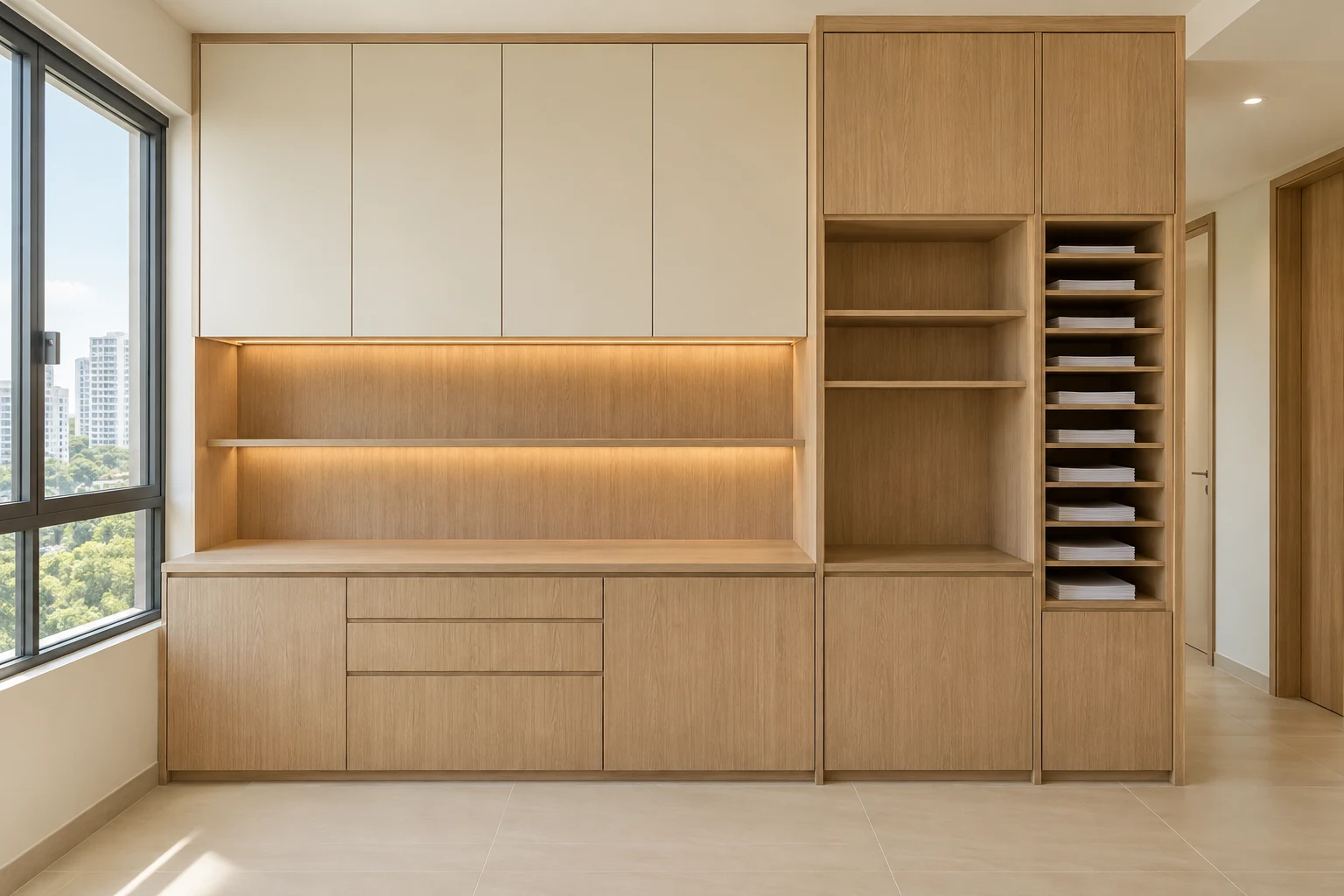
An office printer cabinet should support the actual machine and the people using it. A neat equipment bay can become inconvenient if trays, service doors or replacement access were not considered before fabrication.
These eight checks help an SME prepare a fitted print-area brief. They do not prescribe ventilation, electrical capacity or clearances for a particular device; use the manufacturer and equipment supplier’s requirements.
1. Identify the actual equipment
Provide make, model and relevant installation information for the printer or multifunction device. Include any intended accessories and likely replacement considerations.
Do not build around an assumed standard footprint. External dimensions alone may not describe the space required for operation, loading or maintenance of the selected machine.
2. Map normal operating movement
Show paper trays, output areas and any panels used regularly. Review how staff approach, collect work and leave the area without conflicting with nearby circulation.
A machine that fits when closed may still be awkward during normal use. The fitted design should reflect an ordinary working day rather than only the closed-cabinet photograph.
3. Confirm installation conditions with the supplier
Have the equipment provider identify relevant support, environmental and access requirements. Pass that information to the designer and responsible installer before the cabinet is finalised.
Do not assume a vent slot or open front establishes suitability. Any enclosure needs to reflect the actual device and the appropriate supplier guidance.
4. Coordinate power and data
Have relevant electrical and network provisions assessed by the appropriate parties. Identify the division between cabinet work, equipment installation and the office’s IT appointment.
Plan access to the agreed connections without obstructing moving components. A cable opening in a cabinet is not a complete electrical or network specification.
5. Separate paper and other supplies
List paper sizes, quantities and accessories that need storage nearby. Allocate useful compartments rather than filling all remaining space with identical shelves.
Discuss how the operator handles consumables and any items needing different storage conditions. Follow the relevant product guidance rather than assuming every supply belongs inside the equipment enclosure.
6. Plan servicing and replacement
Ask how the machine will be reached for relevant maintenance and how it could be removed. Include the actual delivery route and building arrangements where necessary.
Do not permanently trap equipment behind fitted panels for visual neatness. The design should make its service and replacement assumptions clear before fabrication.
7. Consider sound and workplace location
Discuss the print area’s relationship to focused desks, meeting rooms and shared circulation. Compare location options rather than assuming cabinetry alone will solve operating noise.
Avoid promising a soundproof result without appropriate assessment. The business needs a practical place for the equipment, not only a storage wall that looks consistent with the office palette.
8. Agree the installed scope and handover
Record cabinet construction, fittings, equipment bay, connections by others and installation responsibilities. Confirm model information before ordering.
At handover, have the relevant suppliers demonstrate normal operation and access under their scopes. Retain equipment and cabinet records so later changes can be reviewed against the actual installation.
Compare the options
| Option | Useful when | Resolve first |
|---|---|---|
| Open equipment bay | Supplier requirements support the arrangement | Operating and service access |
| Separate print area | Work patterns justify a defined zone | Circulation and relevant services |
| Fitted supply storage | Equipment itself remains outside the cabinet | Inventory and convenient replenishment |
A practical planning example
Illustrative example: an office selects a multifunction machine whose side access changes the proposed cabinet arrangement. The supplier and designer coordinate the bay before fabrication, with nearby shelves reserved for the actual paper inventory. This scenario does not specify a clearance or ventilation method for another device.
Frequently asked questions
Can I size the cabinet from the printer width?
No. Obtain relevant operating, installation and maintenance information for the actual model.
Will a cabinet make the printer quiet?
Do not assume so. Review location and any specialist acoustic needs separately.
Who should confirm equipment requirements?
The equipment supplier and relevant professionals should coordinate with the designer and fabricator.
Related planning: Office Storage Walls: 7 Singapore Fit-Out Decisions · Small Office Renovation: 6 Singapore SME Layout Checks · Office Server Rooms: 7 Singapore Fit-Out Coordination Checks · Office Design-and-Build: 8 Appointment Decisions.
References
For firm selection, use the award-winning office interior design evaluation guide to check the recognised work, credited recipient and relevance to your own appointment.
Explore the related decision in Carpentry Handover: 8 Checks After Installation.
Plan your project with Crown Interior Design
Send your floor plan, photographs, intended use and budget priorities. Explore Crown Interior Design’s services and commercial projects, then request a tailored quotation. Confirm the scope and any specialist involvement for your actual premises.
For wider planning, explore interior design in Singapore with Crown Interior Design.